
Settings
Open Settings with ⌘,, the ⚙︎ button in the toolbar, or Settings… in the app menu. Esc closes it. Reset Settings at the bottom of the category list puts everything back to its default; your recent files and your API key are kept.
Settings are saved in settings.json in the
config directory.
Pane widths, the terminal height, and the zoom level are remembered per
machine, outside that file.
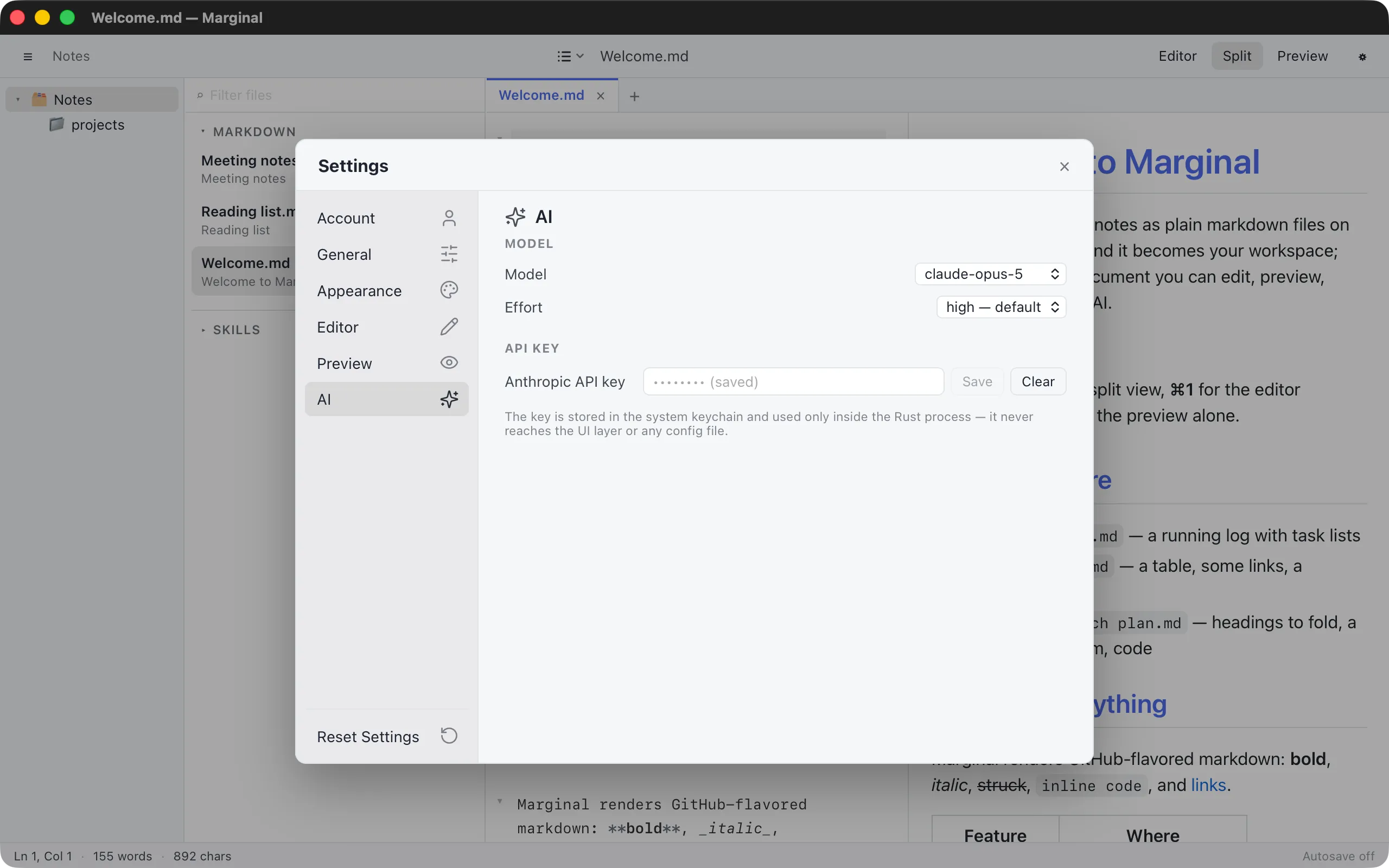
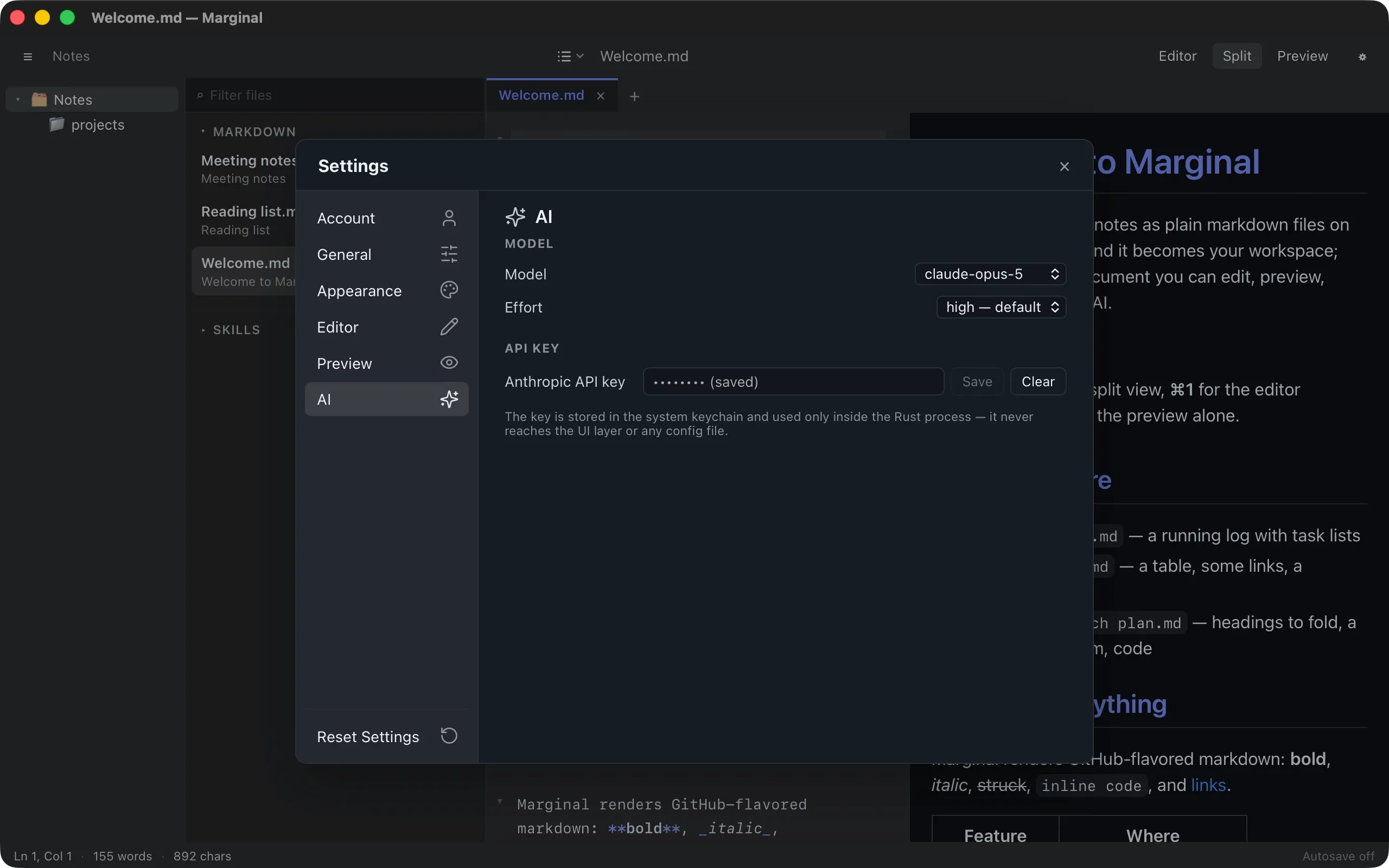
The first tab, and the one Settings opens on. It holds the coding agent whose files the file list shows, and the provider and model Marginal’s own AI features use.
Coding agent
| Setting | Default | What it does |
|---|---|---|
| Agent | Claude Code | Whose files the file list shows: Claude Code, Codex, Grok Build, OpenCode, Cursor, or Qwen Code. See Your coding agent |
| Where … looks for its files | folded | Folds open to list every folder the selected agent reads, the environment variable that relocates its user folder, and a link to the agent’s page in this manual; stays the way you left it |
| Unfold agent sections | off | Open the agent’s sections in the file list by default |
API AI model
| Setting | Default | What it does |
|---|---|---|
| Provider | Anthropic | Whose API the AI features call: Anthropic, OpenAI, Google, xAI, Alibaba Cloud, or Alibaba Cloud (China). Changing it resets Model and Effort to that provider’s defaults |
| Model | Claude Opus 5 | The provider’s current models; Other model id… takes any id the API accepts |
| Effort | the model’s API default | How hard the model thinks, in the provider’s own terms (low…max, a thinking level, or thinking on/off); disabled for models without the control |
API key
| Setting | Default | What it does |
|---|---|---|
| Provider API key | The selected provider’s key, saved to the system keychain; Clear removes it. Get an API key from … opens the provider’s console |
See Connect an API key for each provider’s models and effort levels.
General
Section titled “General”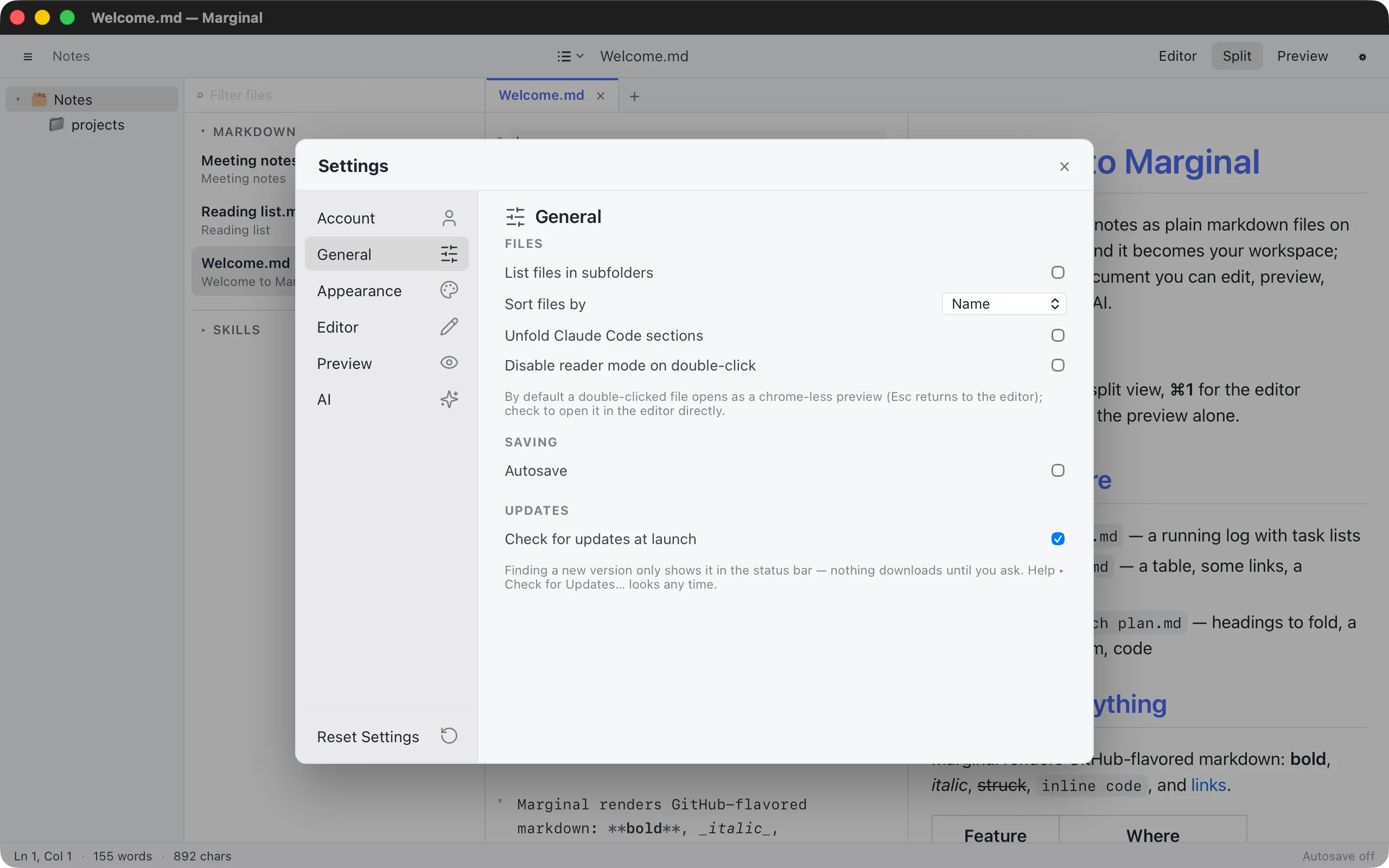
Font
| Setting | Default | What it does |
|---|---|---|
| Interface font size | 13 | Text size of the sidebar, the file list, the editor’s find and replace panel, and the Settings window itself |
The editor and the preview have their own sizes under Editor and Preview.
Files
| Setting | Default | What it does |
|---|---|---|
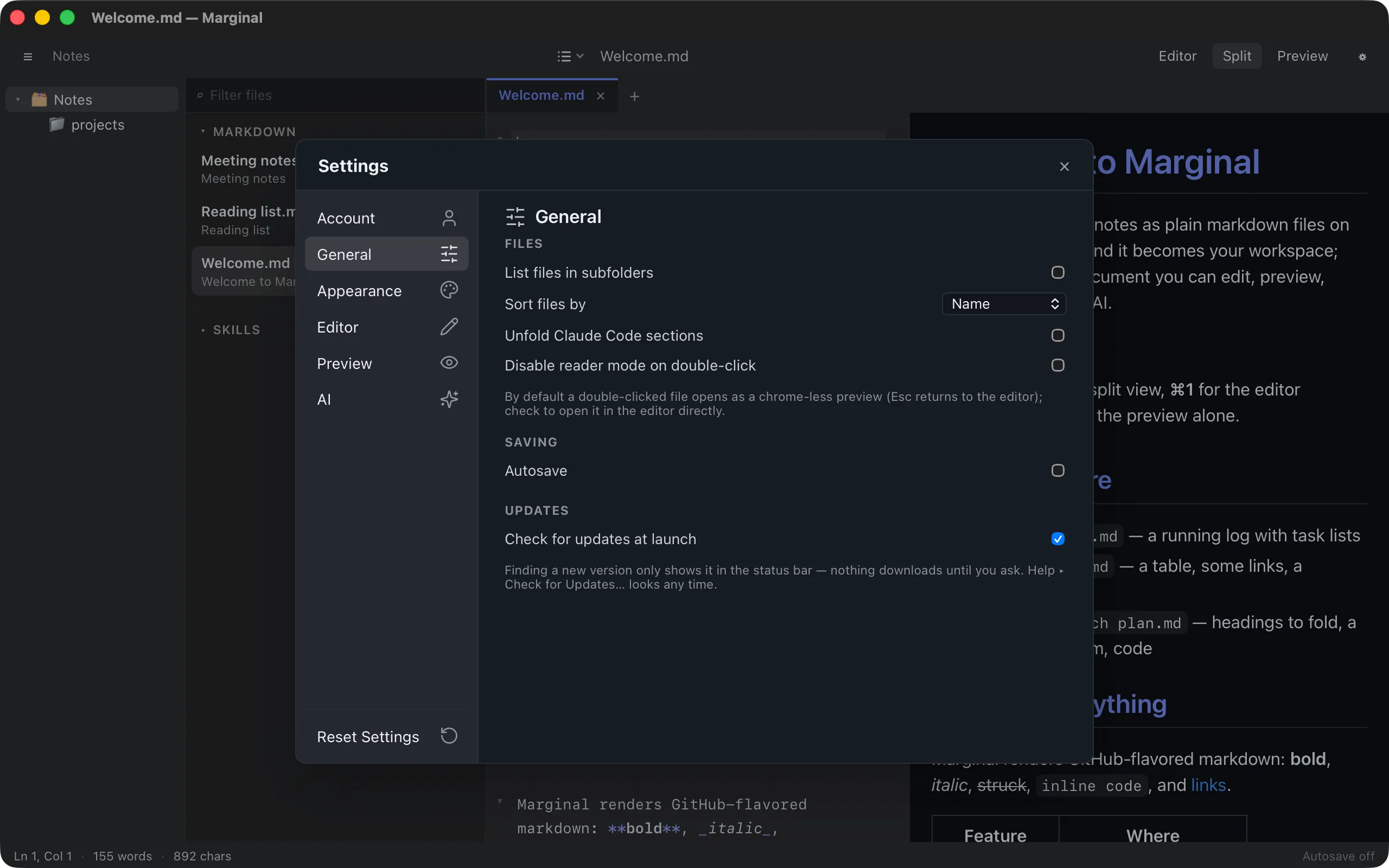
| List files in subfolders | off | Show files from every folder below the selected one |
| Sort files by | Name | Order the file list by name or by last modification |
| Disable reader mode on double-click | off | Open double-clicked files in the editor instead of the reading view |
Saving
| Setting | Default | What it does |
|---|---|---|
| Autosave | off | Save documents that have a file a moment after you stop typing |
| Autosave delay (ms) | 1500 | How long after the last keystroke; 500 to 10 000 |
Updates
| Setting | Default | What it does |
|---|---|---|
| Check for updates at launch | on | Look for a new version after launch; if there is one, open the update dialog and show a chip in the status bar. Nothing downloads until you ask |
Appearance
Section titled “Appearance”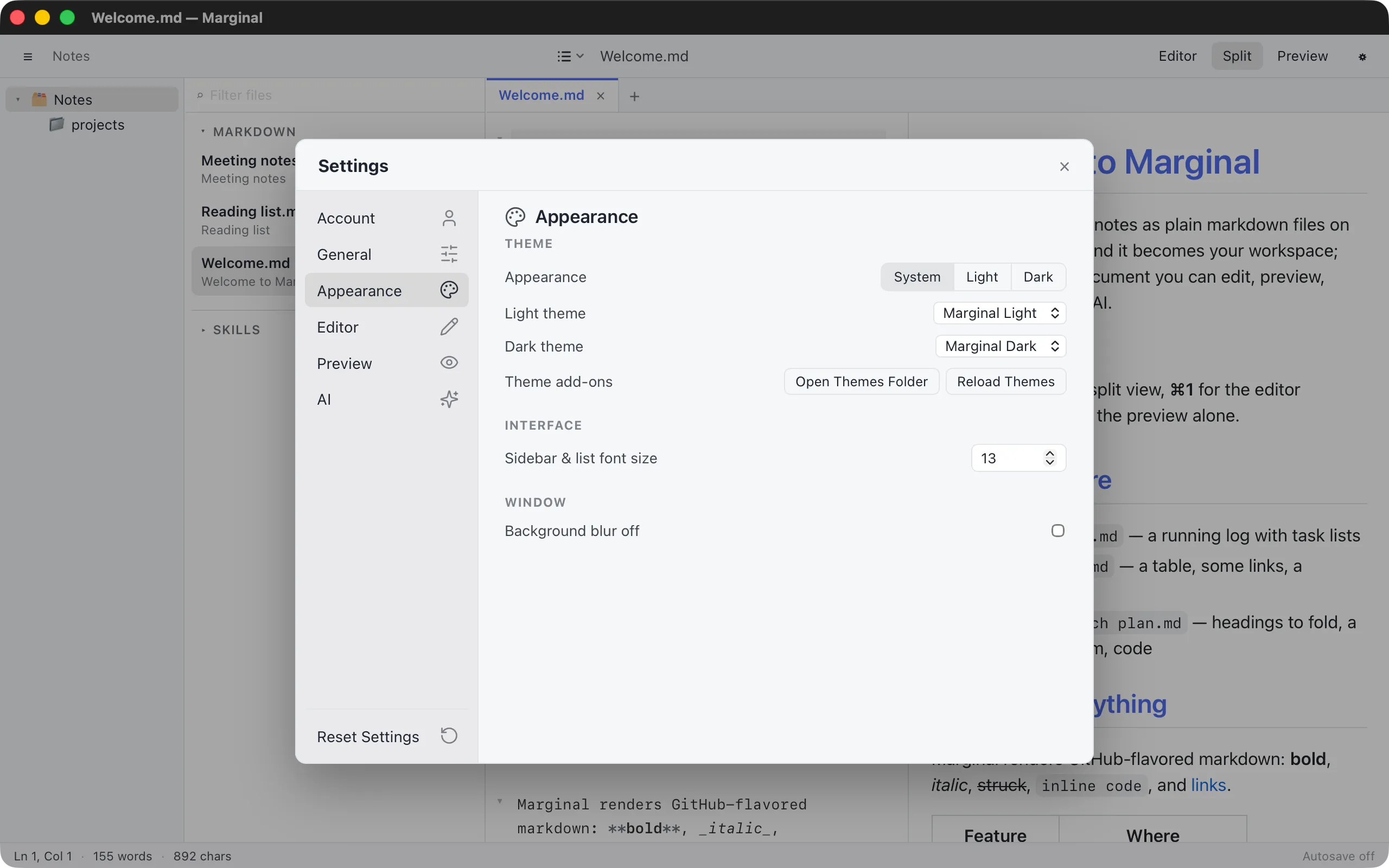
Theme
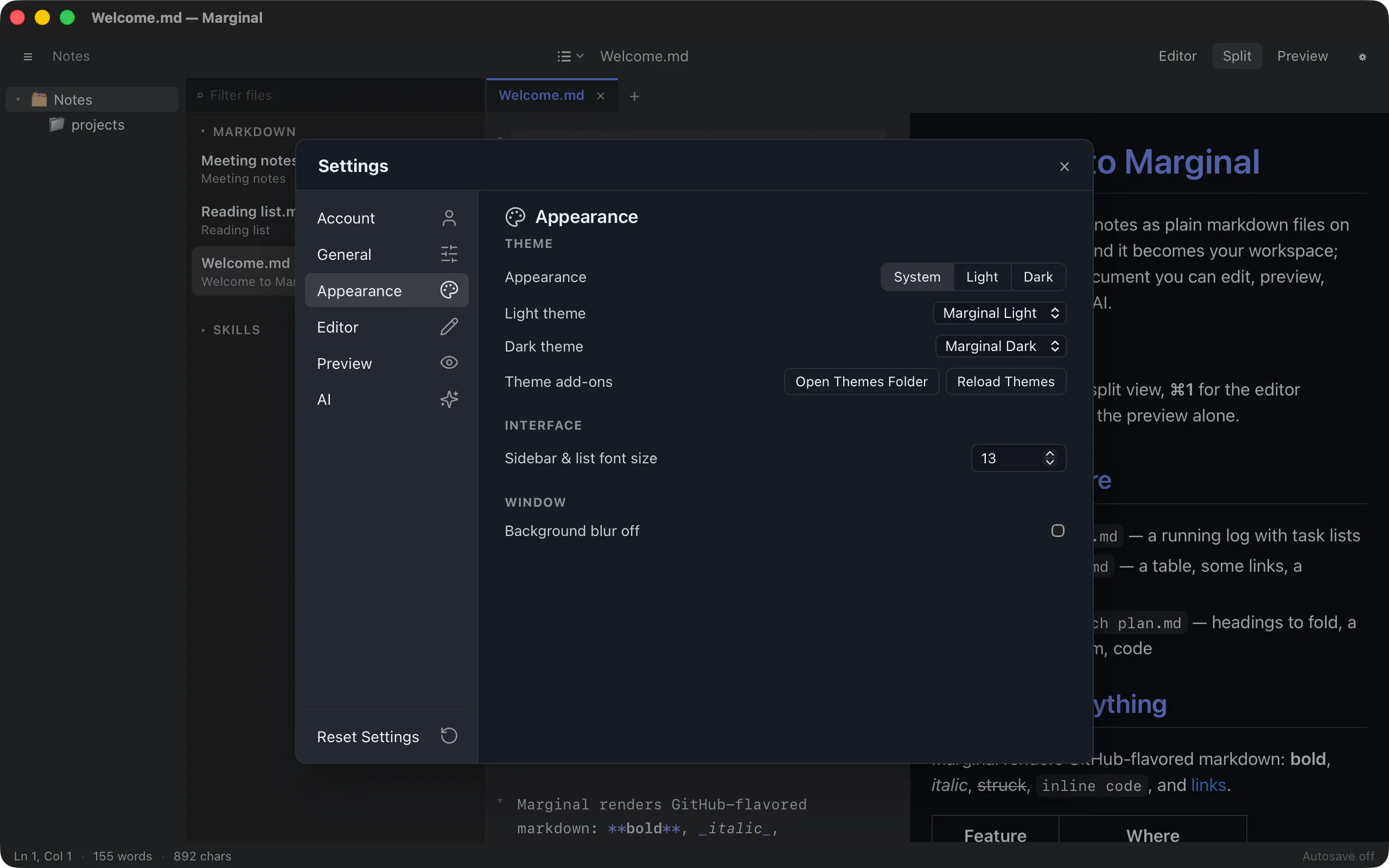
| Setting | Default | What it does |
|---|---|---|
| Appearance | System | Follow the system, or force light or dark |
| Light theme | Marginal Light | The theme used in light appearance, and for print and export |
| Dark theme | Marginal Dark | The theme used in dark appearance |
| Theme add-ons | Open Themes Folder and Reload Themes, see Themes |
Ten themes are built in: Marginal, GitHub, Solarized, Zenburn, and Dracula, each in a light and a dark version. Add-ons appear below them under their own heading.
Window (macOS only)
| Setting | Default | What it does |
|---|---|---|
| Background blur off | off | Turn off the frosted-glass window background |
| Background opacity | 0.95 | Window opacity when blur is off; light appearance is always opaque |
| Lid dimming (iPhone Duo) | on | On a MacBook with a lid-angle sensor (Apple silicon), shades and blurs the window from the hinge while the lid is barely open and clears it as the lid opens, like an iPhone Duo’s display unfolding; the row appears once the sensor has reported, with the current angle |
Editor
Section titled “Editor”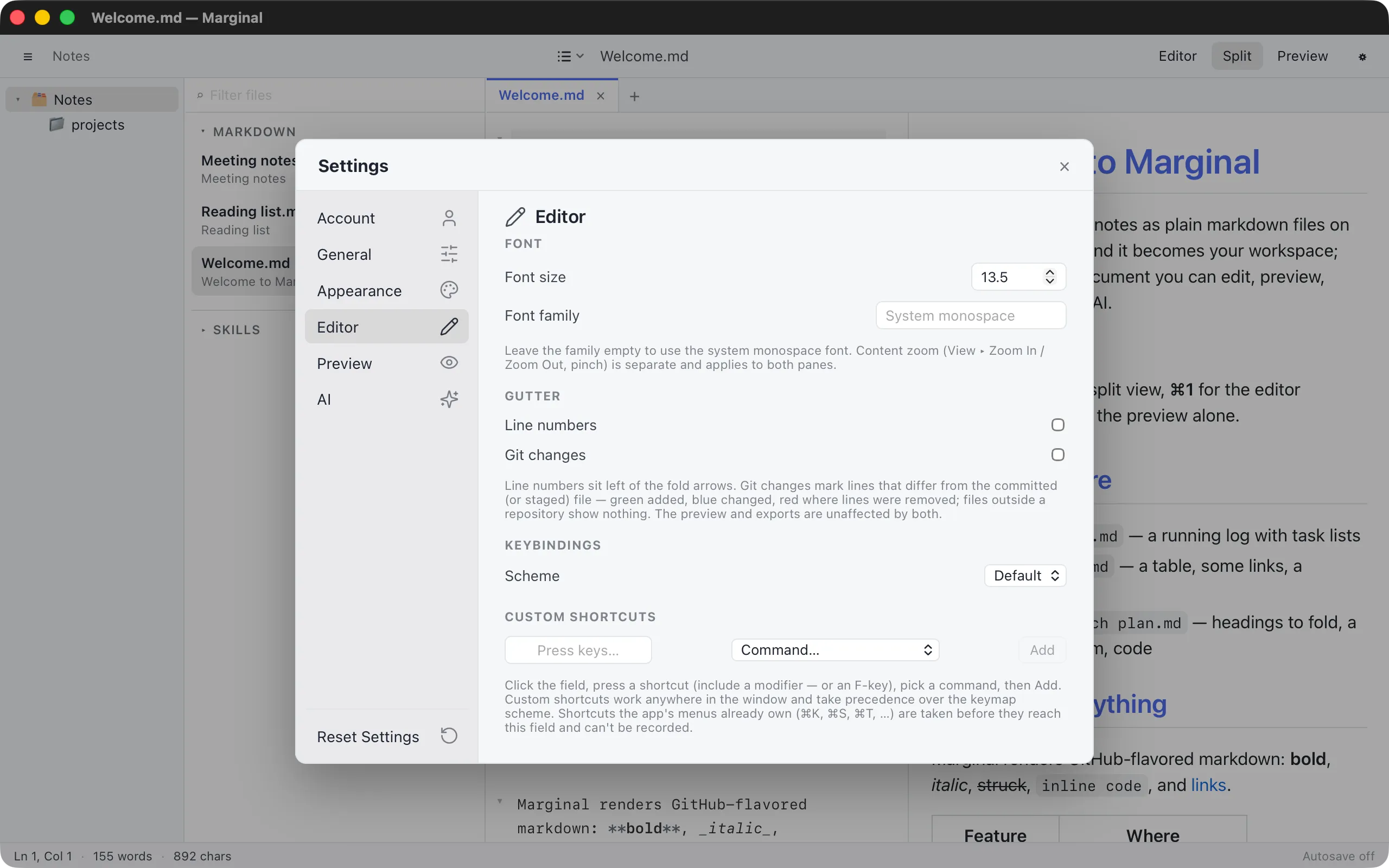
Font
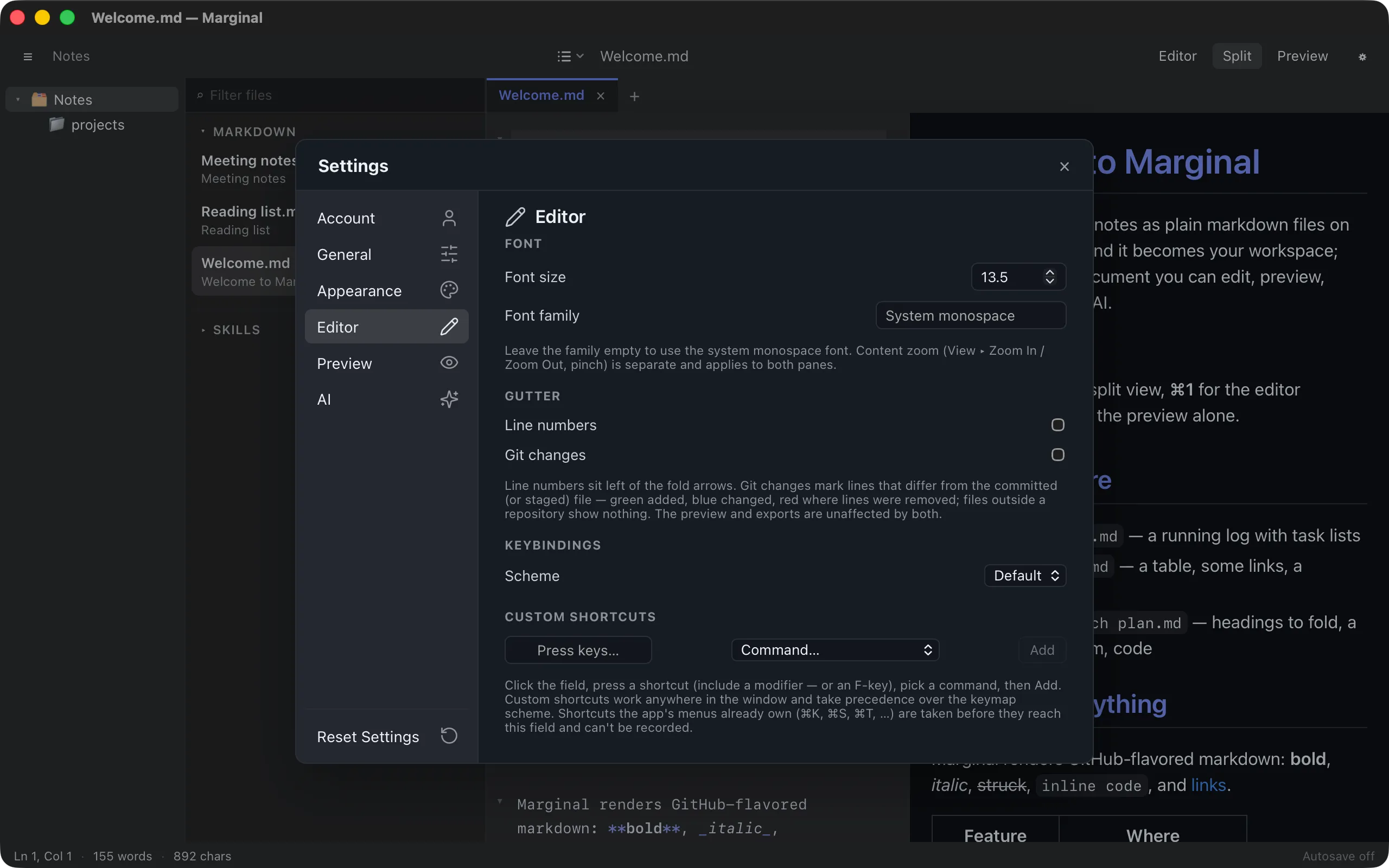
| Setting | Default | What it does |
|---|---|---|
| Font size | 13.5 | Editor text size; zoom multiplies it |
| Font family | system monospace | Any installed font; leave empty for the system’s monospace |
Gutter
| Setting | Default | What it does |
|---|---|---|
| Line numbers | off | Number the lines, left of the fold chevrons |
| Git changes | off | Mark added, changed, and removed lines against the repository |
| Compare against | HEAD | The last commit, or the staging index |
Keybindings
| Setting | Default | What it does |
|---|---|---|
| Scheme | Default | Default, Emacs, or Vim editing keys |
Custom shortcuts binds a key chord to any application or editor command. See Keybindings.
Preview
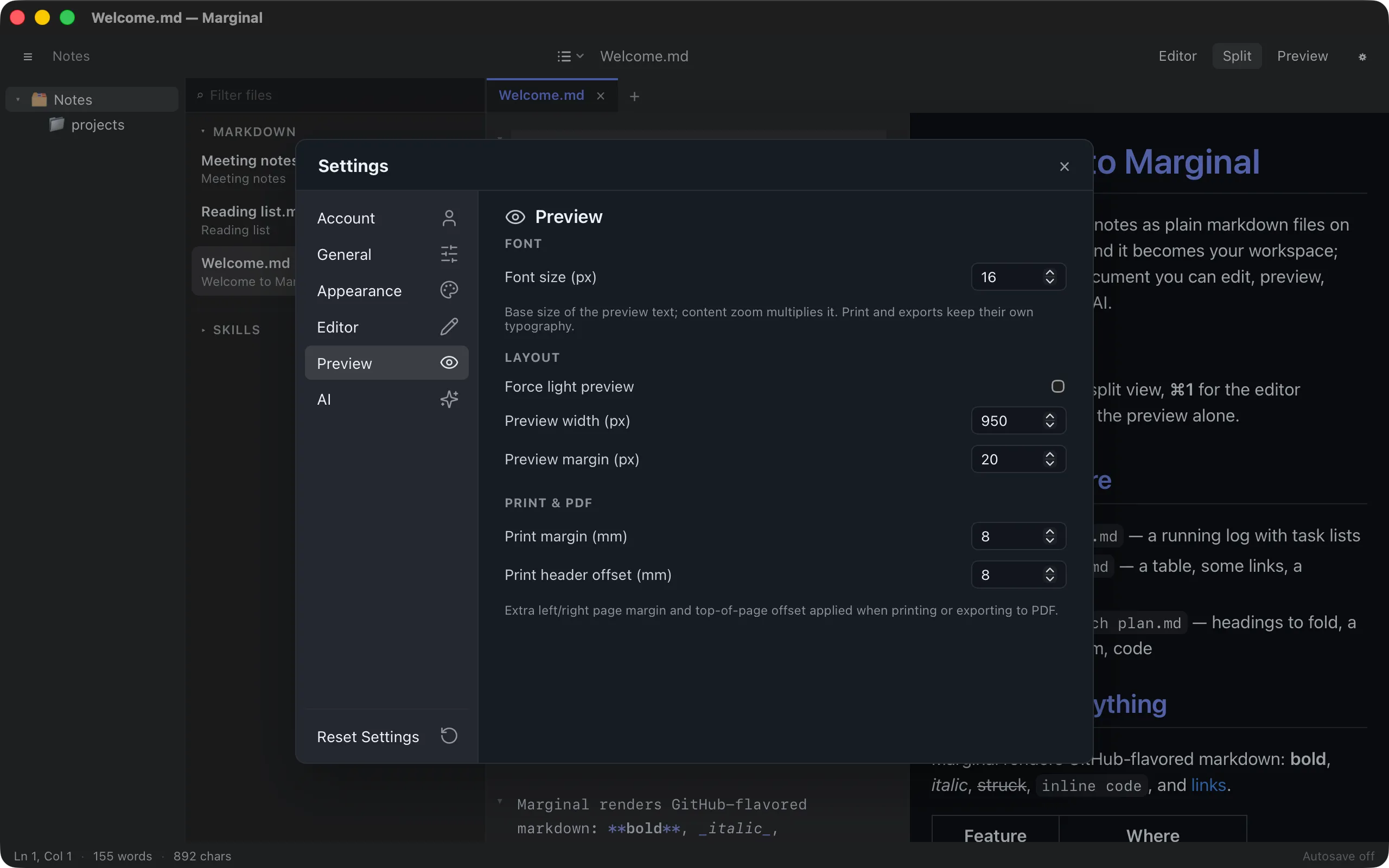
Section titled “Preview”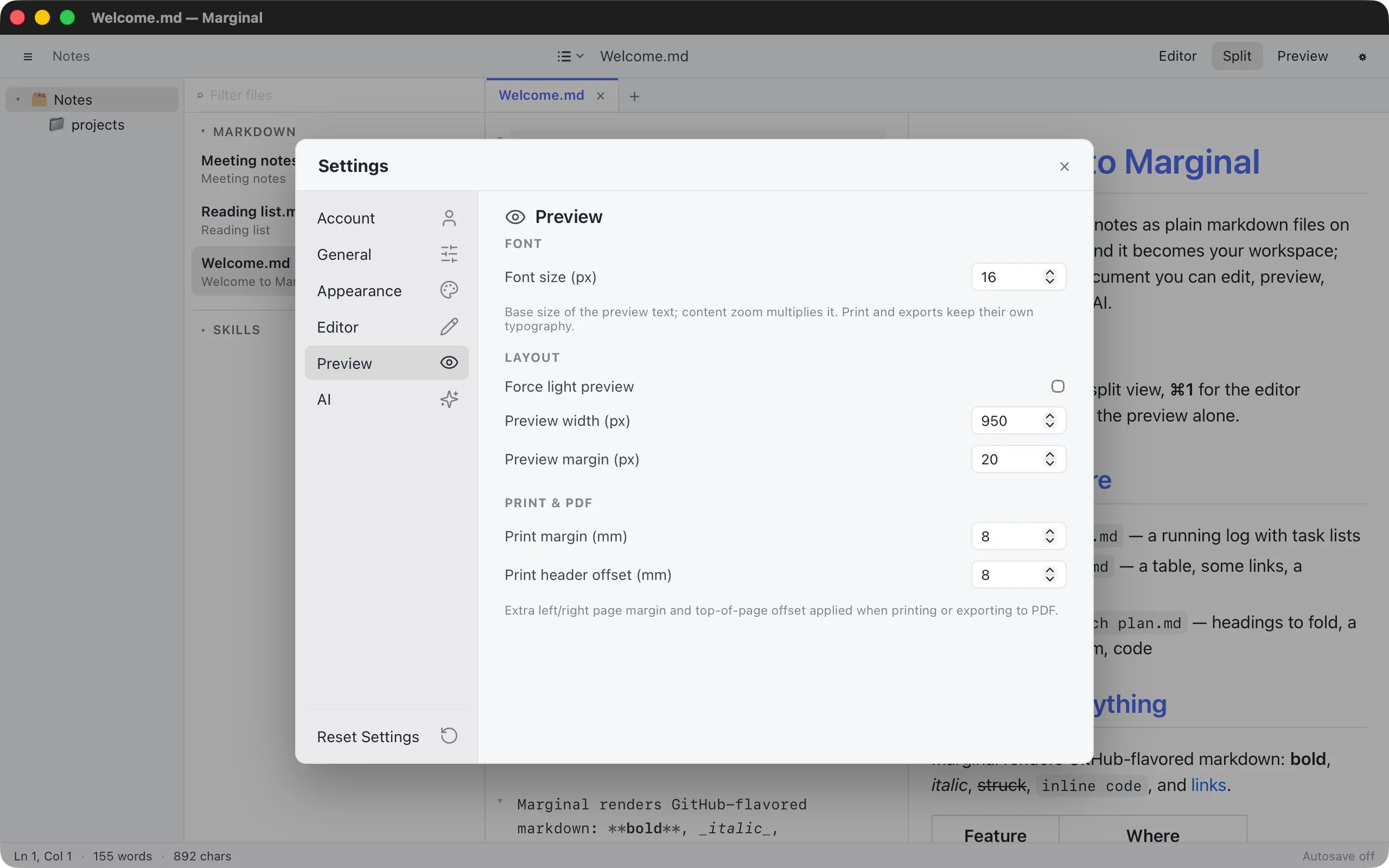
Font
| Setting | Default | What it does |
|---|---|---|
| Font size (px) | 16 | Preview text size; zoom multiplies it |
Layout
| Setting | Default | What it does |
|---|---|---|
| Force light preview | off | Keep the preview light while the app is dark |
| Preview width (px) | 950 | Width of the preview column |
| Preview margin (px) | 20 | Space around the preview column |
Print & PDF
| Setting | Default | What it does |
|---|---|---|
| Print margin (mm) | 8 | Extra left and right margin on paper and in PDFs |
| Print header offset (mm) | 8 | Extra space at the top of each page |
Account
Section titled “Account”Sign in, subscribe, manage devices, and see your licence status. This tab is described on Account and subscription.