
Connect an API key
Marginal’s AI features call the vendor’s API directly with a key that belongs to you. Usage is billed by the vendor to that key; Marginal’s subscription never gates the AI.
Pick a provider and add its key
Section titled “Pick a provider and add its key”-
Open Settings ▸ AI (⌘,) and choose the Provider under API AI model: Anthropic, OpenAI, Google, xAI, or Alibaba Cloud (with a separate entry for the China endpoint, whose keys are region-bound).
-
Create a key on the provider’s console. Get an API key from … under the key field opens the right page:
Provider Keys page Anthropic platform.claude.com/settings/keys OpenAI platform.openai.com/settings/organization/api-keys Google aistudio.google.com/apikey xAI console.x.ai Alibaba Cloud Model Studio console (international) or bailian.console.aliyun.com (China) -
Paste the key into the key field and click Save.
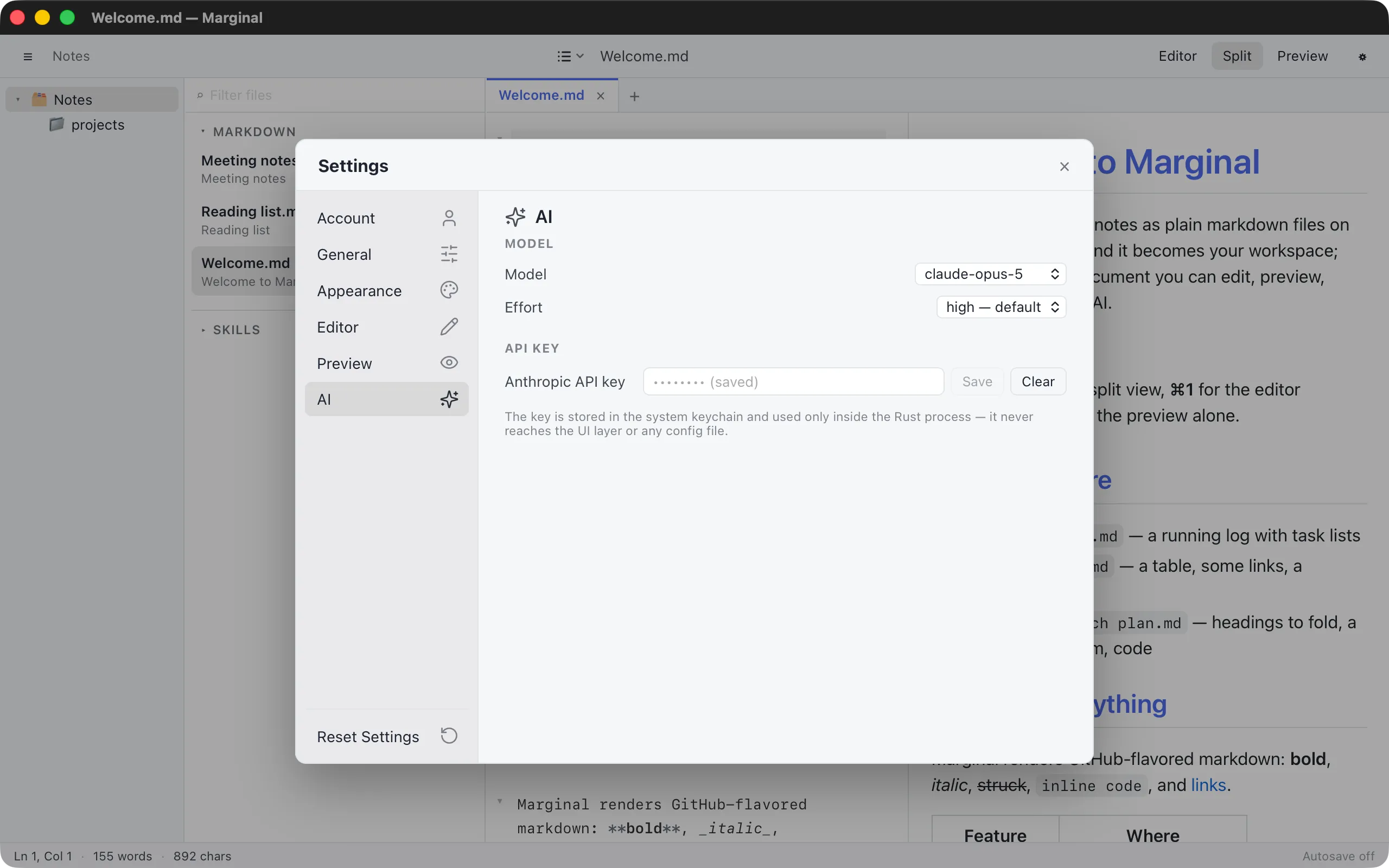
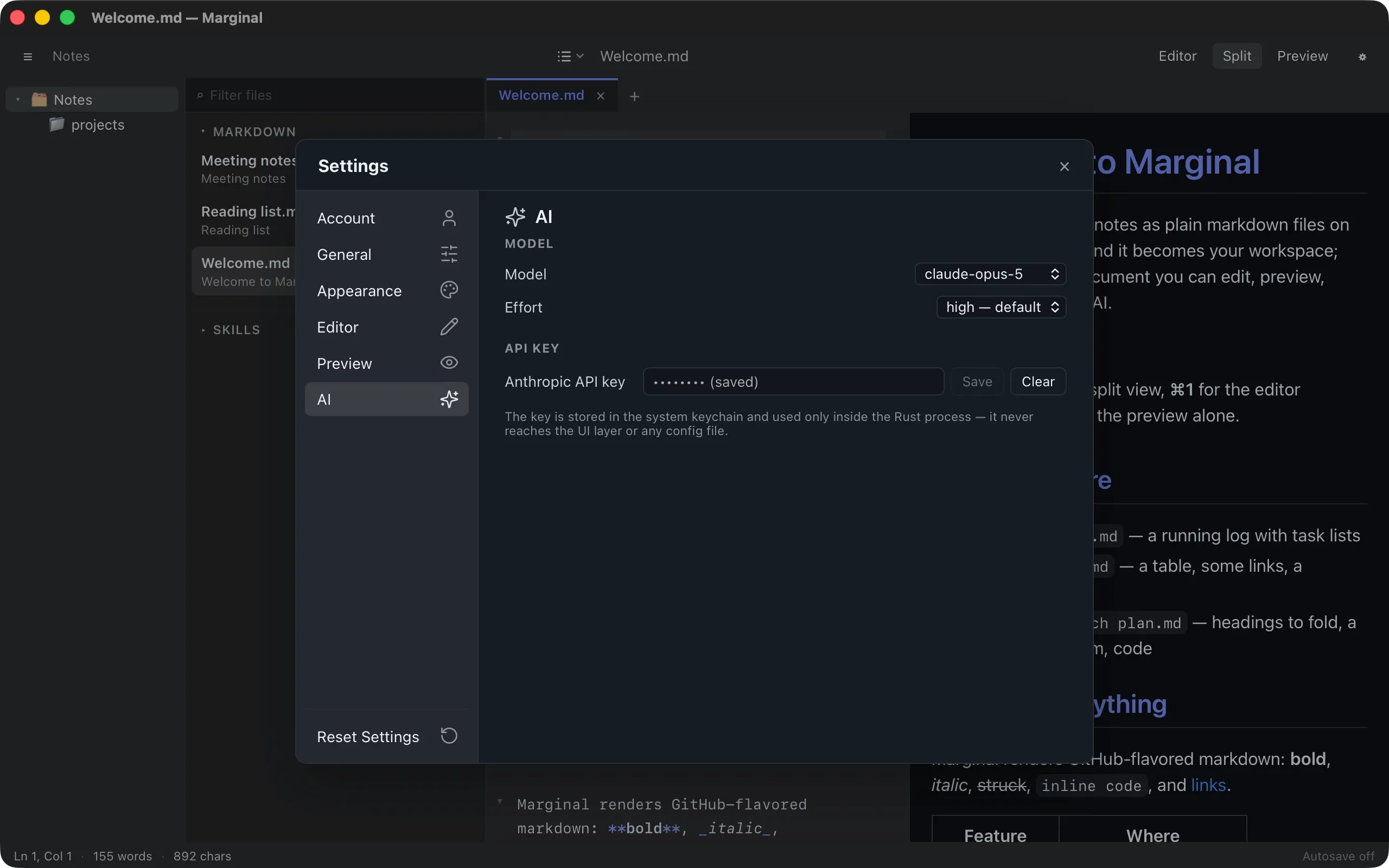
Each provider keeps its own key in the system keychain: the Keychain on macOS, Credential Manager on Windows, the Secret Service on Linux. Keys are read only inside Marginal’s Rust process and never reach the interface, a log, or a config file. Clear removes the selected provider’s key again; switching providers shows whether that one has a key saved.
Typing /login in the AI bar (⌘K) opens the selected
provider’s keys page and this settings tab together.
Model and effort
Section titled “Model and effort”Model lists the provider’s current models. Switching the provider resets it to that provider’s default. Other model id… at the end of the list takes any id the API accepts, for a model newer than this list; it stays listed, marked typed in.
Effort trades speed for reasoning, in the provider’s own terms; a model without such a control shows not adjustable. Marginal sends exactly what the setting says. The lists, as checked on 2 September 2026:
| Provider | Models (default first) | Effort |
|---|---|---|
| Anthropic | Claude Opus 5, Claude Sonnet 5, Claude Fable 5.1, Claude Haiku 4.5 | low, medium, high (default), xhigh, max; Haiku 4.5 has none |
| OpenAI | GPT-5.6 Sol, GPT-5.6 Terra, GPT-5.6 Luna, GPT-5.4 mini, GPT-5.4 nano | none, low, medium, high, xhigh, max (medium is the default on GPT-5.6, none on GPT-5.4 mini and nano, which lack max) |
| Gemini 3.8 Flash, Gemini 3.1 Pro (preview), Gemini 3.7 Flash, Gemini 3.5 Flash-Lite | thinking level minimal, low, medium, high; Gemini 3 cannot stop thinking, and minimal is offered only by Flash-Lite |
|
| xAI | Grok 4.6, Grok 4.5, Grok 4.3, Grok 4.20 non-reasoning | none, low, medium, high, xhigh per model: Grok 4.6 and 4.5 always reason (high default), Grok 4.3 can skip it with none, the 4.20 non-reasoning model has no control |
| Alibaba Cloud | Qwen3.8 Max, Qwen3.7 Plus, Qwen3.8 Flash, Qwen3 Max, Qwen Plus | thinking on or off only; on by default from Qwen3.5 up, off for Qwen3 Max and Qwen Plus |
A model id you have set by other means is kept and listed too.
When something goes wrong
Section titled “When something goes wrong”The AI bar reports problems in place: a missing key, a key the provider rejects, a rate limit, a network failure, or a request the model declined. Each comes with the sensible next step, such as Open Settings or Retry.