
Asking about a selection
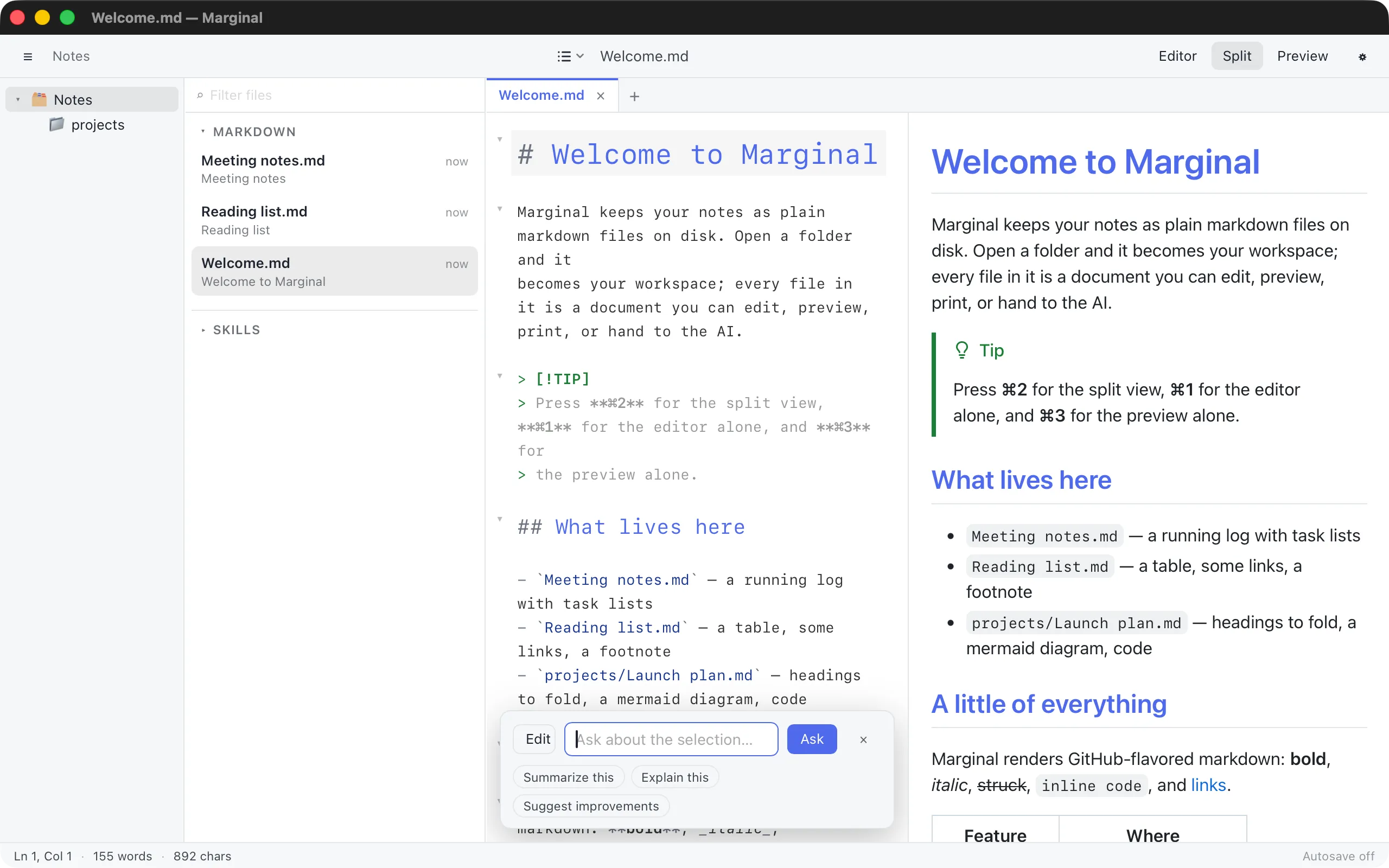
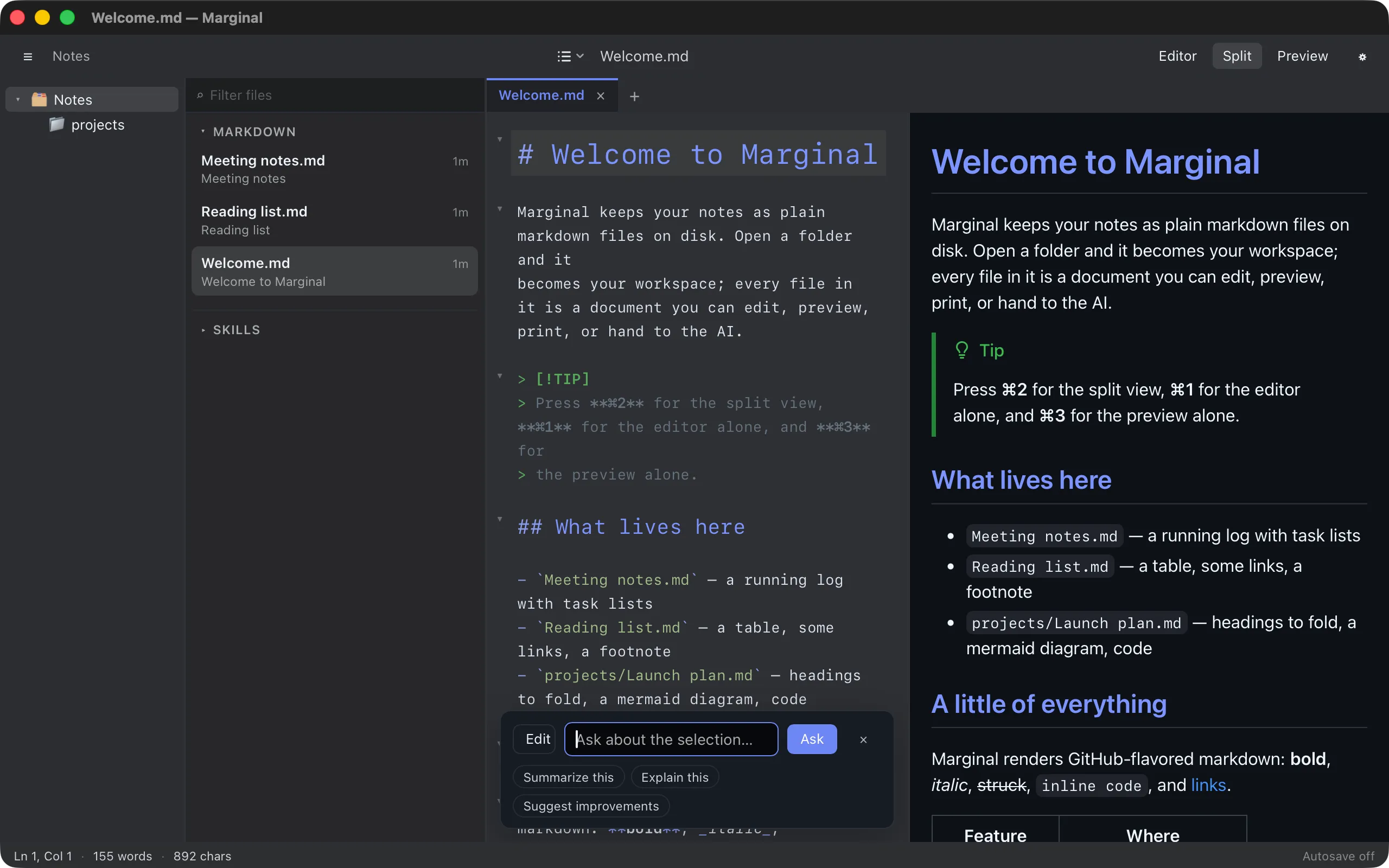
AI ▸ Ask About Selection… opens the AI bar in Ask mode. The answer streams in below your question and the document is left untouched.
Asking
Section titled “Asking”- Select the text to ask about, or put the cursor in a paragraph.
- Choose AI ▸ Ask About Selection…, or open the bar with ⌘K and click Ask.
- Type a question, or use a preset: Summarize this, Explain this, Suggest improvements.
- Press Enter. The answer is rendered as markdown in the bar.
Ask Again keeps the answer and lets you follow up; Done closes the bar. The AI sees the same context as for an edit: the selection and about 8,000 characters around it.